Live TV Streaming
SoPlayer gives you access to 24,000+ live TV channels from around the world including sports, news, entertainment, kids, and international programming.

One subscription, one prepay code, one purpose-built app. Pick a plan, we email you a code, you paste it into the SoPlayer app, and you're streaming 24,000+ live channels and 120,000+ movies in 4K — on Firestick, Android TV, or your phone. No M3U juggling, no Xtream logins, no separate billing. Everything lives under one roof.
Already a subscriber? Log in to the SoPlayer app →
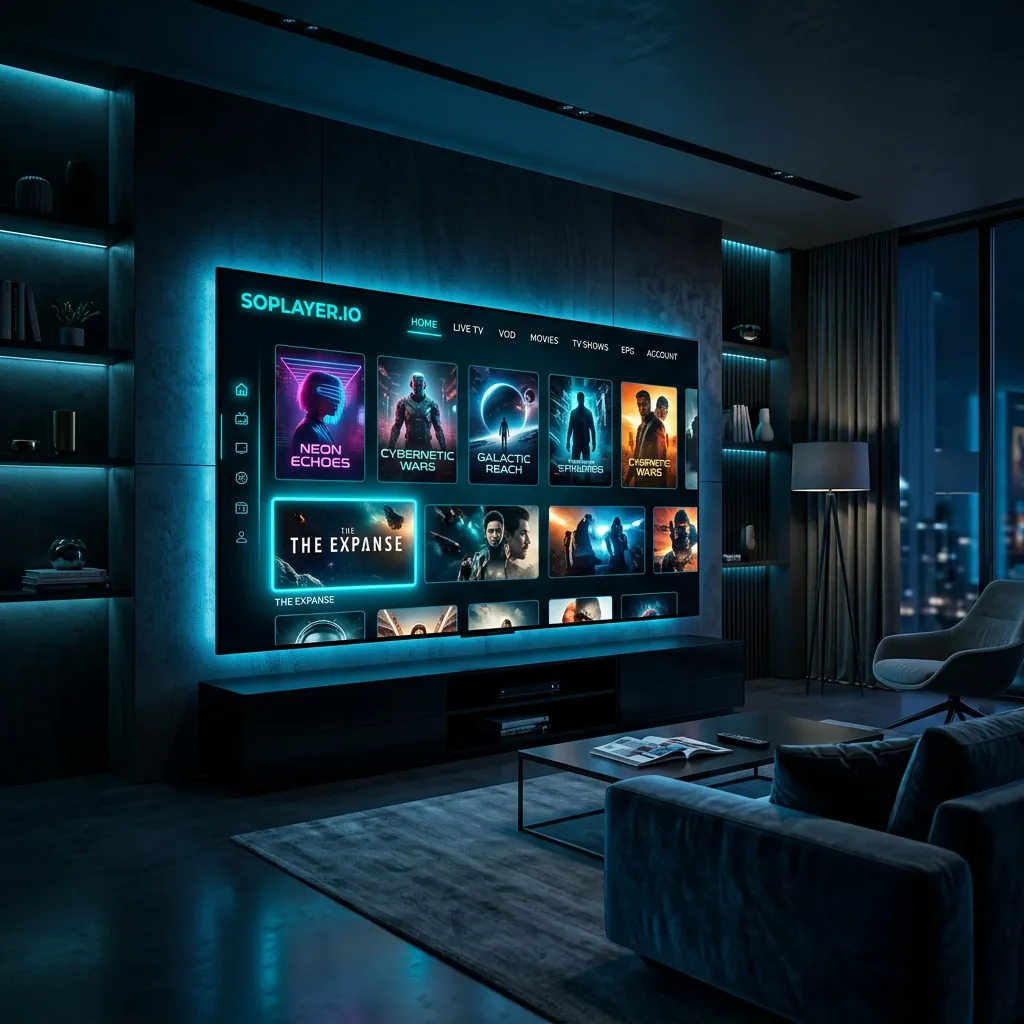
SoPlayer is a premium IPTV subscription that comes with a dedicated Android app built for our subscribers. One plan unlocks 24,000+ live channels, 120,000+ movies and series, and every major sport — streamed through the SoPlayer app on Firestick, Android TV, phones, and tablets. Pay for the plan, enter the prepay code we email you, done. Try SoPlayer free for 24 hours — no credit card required.
What is SoPlayer?
SoPlayer is a premium IPTV subscription service that includes a dedicated official app for its subscribers. One plan gives you 24,000+ live TV channels, 120,000+ movies and series, and every major live sport in 4K Ultra HD — streamed through the SoPlayer Android app on Firestick, Android TV, phones, and tablets. No separate player required, no M3U or Xtream setup: pick a plan, enter the prepay code we email you, and you're watching.
SoPlayer gives you access to 24,000+ live TV channels from around the world including sports, news, entertainment, kids, and international programming.
Watch the latest movies and TV series on-demand. SoPlayer's VOD library holds 120,000+ titles updated daily with Hollywood releases and binge-worthy series.
SoPlayer streams live sports from Premier League, NFL, NBA, UFC, NHL, MLB, MLS, boxing, F1, and every major league worldwide — no blackouts.
SoPlayer's proprietary anti-buffering system uses CDN load balancing and smart caching for smooth 4K playback even during peak hours.
SoPlayer encrypts every connection with enterprise-grade SSL. Your viewing activity stays private, and a secure card processor handles every payment.
SoPlayer works in 100+ countries. Stream content from USA, UK, Canada, Europe, Middle East, Asia, Latin America, and beyond — one app, every region.
How many channels does SoPlayer have?
SoPlayer carries 24,000+ live TV channels across US, Canadian, UK, European, Middle Eastern, Asian, and Latin American lineups, plus 120,000+ on-demand movies and series. Every plan includes the full channel catalog — there are no premium tiers or add-ons to unlock.
Affordable IPTV subscription plans with instant activation. Download SoPlayer and start streaming today — select 1 to 5 connections and pick a term length that fits your budget.
How much does SoPlayer cost?
SoPlayer subscriptions start at $25 for 1 month with 1 connection and scale up to $285 for 12 months with 5 connections. Every SoPlayer plan includes the full 24,000+ channel lineup, 120,000+ movies, 4K streaming, anti-freeze technology, and 24/7 support — nothing is locked behind a premium tier.
Compare all 20 plans (1–5 connections) →
Experience SoPlayer with a 24-hour free trial. No credit card required. Test every channel, every feature, and every device before you commit to a paid plan.
Is SoPlayer free to try?
Yes — SoPlayer offers a completely free 24-hour trial with no credit card required. You get full access to all 24,000+ channels and every feature during the trial. Enter your name and email below, and SoPlayer will send your trial credentials within minutes.
Discover why viewers trust SoPlayer for their streaming needs. Download the SoPlayer app for the ultimate IPTV experience, or read our comparison guide to see how SoPlayer stacks up against TiviMate, Smarters Pro, and XCIPTV.
Does SoPlayer support 4K?
Yes — SoPlayer streams in 4K Ultra HD on every compatible device. SoPlayer adaptively selects SD, HD, Full HD, or 4K based on your connection speed. For flawless 4K, SoPlayer recommends a 25 Mbps internet connection; 10 Mbps is enough for smooth HD playback.
SoPlayer offers the largest live TV catalog of any IPTV player — every major sport, every major news network, every region.
SoPlayer's advanced buffering system keeps playback smooth. 99.9% uptime across SoPlayer's global CDN means zero interruptions during prime time.
Crystal-clear picture with full 4K support on every compatible device. SoPlayer's adaptive bitrate keeps quality high even on mixed connections.
After payment, SoPlayer activates your account within 5 minutes. Check your email for credentials, plug them into the SoPlayer app, and start watching.
The SoPlayer Android app runs on Firestick, Android TV, and Android phones/tablets. One SoPlayer subscription covers every Android screen in your house (iOS coming soon).
SoPlayer's support team is online around the clock via live chat, email, and ticket system. Reach SoPlayer at [email protected].
SoPlayer uses 256-bit SSL encryption on every stream and every payment. Your viewing activity and card details stay private.
Over 120,000 movies and series on demand, refreshed daily with the latest Hollywood releases and SoPlayer exclusive premieres.
SoPlayer is an Android-only app. After you pick a plan, install SoPlayer on any Android-based device and enter your prepay code: Amazon Firestick, Android TV boxes, Google TV, Nvidia Shield, and any Android phone or tablet. iOS support is in development. One subscription covers unlimited installs — only simultaneous streams are capped by your connection count.
Which devices support SoPlayer?
SoPlayer is an Android-only app. Supported platforms: Amazon Firestick (Lite, 4K, Fire TV Cube — Fire OS is Android-based), Android TV and Google TV (Nvidia Shield, Chromecast with Google TV, Mi Box, generic Android TV boxes), and Android phones/tablets. iOS (iPhone, iPad) support is in development. SoPlayer does not run on Samsung/LG Smart TVs, Roku, Apple TV, Windows, Mac, or MAG boxes.
Three simple steps: pick a plan, install the SoPlayer app, enter your prepay code. No M3U files, no Xtream logins, no separate billing — one code unlocks everything.
How do I install SoPlayer on Firestick?
To install SoPlayer on Firestick, go to Settings → My Fire TV → Developer Options and enable Apps from Unknown Sources. Install the Downloader app from the Amazon App Store, open Downloader, paste the SoPlayer download URL, install the APK, then enter your SoPlayer credentials. Total time: under 5 minutes. See the full Firestick guide →
Choose a plan on the SoPlayer pricing page or start a 24-hour free trial. We email you a prepay code within minutes.
Install SoPlayer on your Firestick, Android TV, Smart TV, or phone. Full install guides are on the SoPlayer app page. No M3U or Xtream setup — the app is built for our subscribers.
Paste the code into the SoPlayer app and it activates instantly — 24,000+ live channels, 120,000+ movies, and every major sport in 4K. Anti-freeze technology keeps playback smooth.
Need help? Read the SoPlayer troubleshooting guide or contact support 24/7.
Stream 120,000+ movies and TV series on demand through SoPlayer. New content is added daily — latest Hollywood releases, binge-worthy series, critically acclaimed dramas, and family favorites. Browse the full SoPlayer catalog →
Never miss a game. SoPlayer streams Premier League, NFL, NBA, UFC, NHL, MLB, MLS, and every major league live — no blackouts, no extra add-ons.
See why SoPlayer is rated the #1 IPTV player app of 2026. Read the detailed SoPlayer comparison guide or the best IPTV apps for 2026 roundup.
| Feature | SoPlayer | Competitor A | Competitor B |
|---|---|---|---|
| Live TV Channels | 24,000+ | 10,000 | 5,000 |
| 4K Ultra HD | ✓ | ✗ | ✗ |
| Anti-Freeze Technology | ✓ | ✗ | ✗ |
| EPG TV Guide | ✓ | ✓ | ✗ |
| VOD Library | 120,000+ | 20,000 | 10,000 |
| Multi-Device Support | All Devices | Limited | Limited |
| Instant Activation | ✓ | ✗ | ✗ |
| 24/7 Support | ✓ | ✗ | ✓ |
| Free Trial | ✓ | ✗ | ✗ |
| Money Back Guarantee | ✓ | ✗ | ✗ |
Data compiled from publicly available information. SoPlayer consistently outperforms competitors in channel count, streaming quality, and customer satisfaction metrics.
Rated 4.8/5 from 444 SoPlayer reviews. Read what people who downloaded SoPlayer say after leaving cable. Ready to join them? Start your 24-hour free trial today.
"Set it up on my Firestick in about ten minutes. Channels load fast and I haven't hit buffering once on live Premier League games."
"Switched from cable last month. SoPlayer on Android TV is smoother than my old box and the monthly price is a fraction of what I was paying."
"Picture is solid on my Firestick 4K Max. Sports streams hold up well; EPG can lag a bit on a few international channels but support sorted it."
"Installed the app on my Android phone and tablet the same day. Live sports and movies both look clean — no freezes during the big games."
"Sideloaded SoPlayer on Firestick with the Downloader code. Channel list is huge and 4K streams stay stable on my home Wi-Fi."
"Finally dropped cable. Setup took one evening, live sports load quick, and the bill is way lower than what the cable company charged."
Find answers to common questions about SoPlayer IPTV, installation, features, pricing, and support. Can't find what you're looking for? Contact SoPlayer's 24/7 support team.
Is SoPlayer legal?
SoPlayer is a media player application — the software itself is fully legal to use worldwide. How you stream and what you stream matters, so SoPlayer encourages every viewer to review our Terms of Service and follow the streaming regulations in your country.
SoPlayer is a premium IPTV player application that streams live TV channels, movies, and sports on any device. After subscribing through SoPlayer's pricing page, SoPlayer emails your login credentials. You enter them in the SoPlayer app and get instant access to 24,000+ channels in crystal-clear 4K.
On your Firestick, enable Apps from Unknown Sources in Settings, install the Downloader app from the Amazon App Store, and enter code 5672839 (or the short URL aftv.news/5672839). The SoPlayer APK downloads and installs automatically. Then open SoPlayer and paste your prepay code. The full walkthrough with screenshots is on the SoPlayer app page.
No. SoPlayer is an Android-only app. It does not run on Roku, Apple TV, Samsung Tizen, LG WebOS, or MAG boxes. For those TVs, plug an Amazon Firestick into the HDMI port and install SoPlayer on the Firestick — it costs ~$30 and takes 5 minutes. See the app page for supported platforms (Firestick, Android TV, Android phones/tablets).
SoPlayer lets you choose 1 to 5 simultaneous connections on the pricing page. Each connection allows one device to stream at a time, but you can install SoPlayer on unlimited devices and switch between them freely.
SoPlayer includes 24,000+ live TV channels from USA, UK, Canada, Europe, Middle East, Asia, and Latin America. Categories include sports (Premier League, NFL, NBA, NHL, MLB, UFC), news, entertainment, movies, kids, and international programming.
SoPlayer is a media player application — the software is legal. The legality of streamed content depends on your country's laws. Please review SoPlayer's Terms of Service for acceptable use.
Getting a SoPlayer free trial is easy. Visit the free-trial page and fill out the form with your name and email. SoPlayer emails 24-hour trial credentials within minutes. Test every feature before picking a subscription plan.
SoPlayer's anti-freeze technology is a proprietary buffering system that prevents interruptions during streaming. SoPlayer uses worldwide CDN load balancing and smart caching to keep playback smooth. Learn more in the SoPlayer troubleshooting guide.
SoPlayer doesn't run natively on Samsung Tizen or LG WebOS — the app is Android-only. The simplest option is to plug an Amazon Firestick into your TV's HDMI port and install the SoPlayer app on the Firestick via Downloader code 5672839. The Smart TV setup guide walks through the Firestick workaround, and the app page lists the full install steps.
SoPlayer accepts Visa and Mastercard, charged in US dollars, and Bitcoin. Every card payment runs with SSL encryption. View all subscription options or start with a free trial.
SoPlayer activation is instant. Within 5 minutes of payment, SoPlayer emails your credentials. Get started with a free trial or pick a subscription plan.
Yes — SoPlayer offers refunds per our refund policy. Test the service first with a 24-hour free trial. If you hit issues after subscribing, contact SoPlayer's 24/7 support team for help or an eligible refund.